I'm always excited to take on new projects and collaborate with innovative minds.

Social Links

Technology Reviews

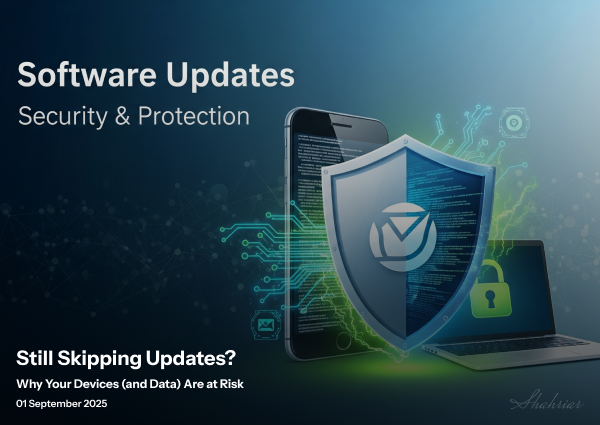
Why You Can't Afford to Skip Software Updates

Skipping software updates may feel harmless—but it quietly exposes users, systems, and businesses to security risks, performance issues, and long-term technical debt. This article explains why updates matter and why postponing them often costs more than fixing them early.

Why You Can't Afford to Skip Software Updates

For many, the notification to update your device is met with a sigh of frustration. The common fears of "it's going to slow down my phone" or "it'll drain my battery" often lead us to hit "remind me later." However, this simple action of delaying or skipping an update, especially on platforms like iOS, can have significant and serious consequences for your digital life. Software updates are not just about new features; they are a critical component of modern cybersecurity.       


Article content  


The Anatomy of an Update: More Than Just Emojis  

To understand the importance of updates, you need to know what's in them. Updates are categorized by their version numbers, which tell us their purpose.       
 

  • Major Releases (e.g., iOS 18): These are the big, annual updates that bring a complete overhaul of the operating system. They include new designs, major new features, and changes to the core functionality of your device. While these are exciting, it's wise to wait a few days after a release to ensure there are no major bugs.  

  • Feature Updates (e.g., iOS 18.1): These updates add new features that were announced but not included in the initial major release. They are a smaller, more focused upgrade.  

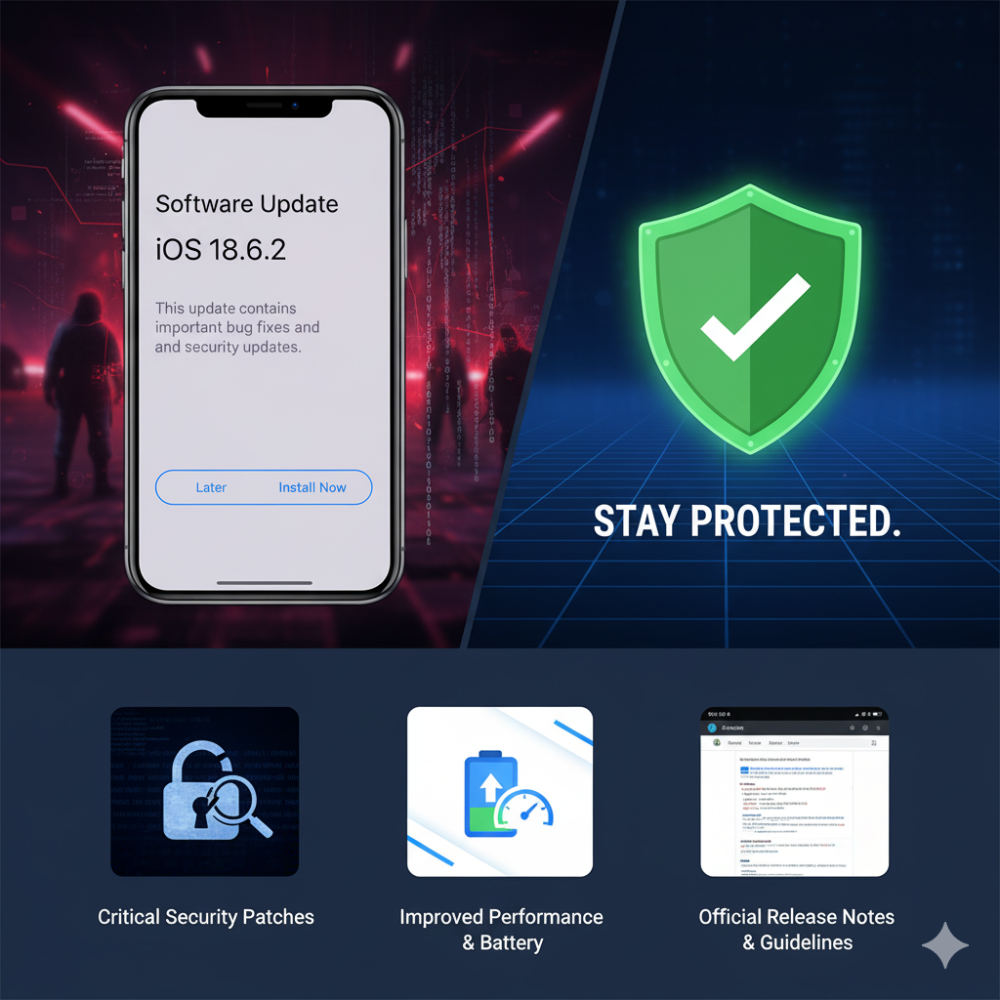
  • Maintenance Updates (e.g., iOS 18.6.2): This is the most crucial type of update. These are specifically designed to patch security vulnerabilities and fix existing bugs. The numbers after the second decimal point signify these essential, often critical, fixes.  

The Critical Role of Security Patches  

Every piece of software has vulnerabilities—flaws that can be exploited by hackers to gain unauthorized access. When a vulnerability is discovered, software developers work quickly to create a patch to fix it. This patch is then included in a maintenance update.  

By not installing these updates, you are leaving a known, exploitable flaw in your device. Hackers and malicious actors keep databases of these vulnerabilities and use them to target unpatched devices. They can use these exploits to:       
 

  • Steal your personal data, including photos, messages, and contact lists.  

  • Access your financial information from banking apps.  

  • Obtain your passwords and other sensitive files.  

In essence, skipping an update is like leaving your front door unlocked because you don't want to get up and close it.  

Dispelling the Myths: Performance and Battery Life  

The fear that updates will harm your device's performance is largely a myth, particularly for maintenance updates. In fact, they are often designed to do the opposite. Many bugs that are fixed in these updates are the very things causing poor performance, app crashes, and excessive battery drain. By installing the update, you are likely to see an improvement in your device's speed and battery efficiency.  

Key Takeaways for Staying Safe Online       
 

  1. Prioritize Security Updates: Always install updates that contain security patches and bug fixes. These are non-negotiable for your digital safety.  

  2. Evaluate Major Updates: For large OS releases, consider waiting a short period to see how they affect other users. This allows developers to iron out any initial bugs.  

  3. Avoid Beta Software: Unless you are a developer, stay away from beta versions. They are unstable and can contain significant bugs and security risks.  


In a world where our lives are increasingly digital, the small act of keeping your software updated is one of the most effective and effortless ways to protect yourself from cyber threats.     

For a detailed list of all issue fixes and updates, you can refer to the official documentation: iOS & iPadOS Release Notes .  


4 min read
Jan 25, 2026
By Shahriar Shanto
Share

Leave a comment

Your email address will not be published. Required fields are marked *

Related posts

Jan 31, 2026 • 4 min read
10 Key UX/UI Design Interview Questions Explained

UX/UI interviews are less about perfect answers and more about how you think. This article breaks do...

Jan 31, 2026 • 4 min read
What Designing Medicaid UX Taught Me About Designing for Real People

Designing Medicaid systems taught me that UX isn’t about ideal users or perfect flows—it’s about acc...

Aug 21, 2025 • 2 min read
Exploring the Benefits of MySQL for Large-Scale Projects

An exploration of why MySQL is a great choice for large-scale projects, highlighting features, scala...

Your experience on this site will be improved by allowing cookies. Cookie Policy